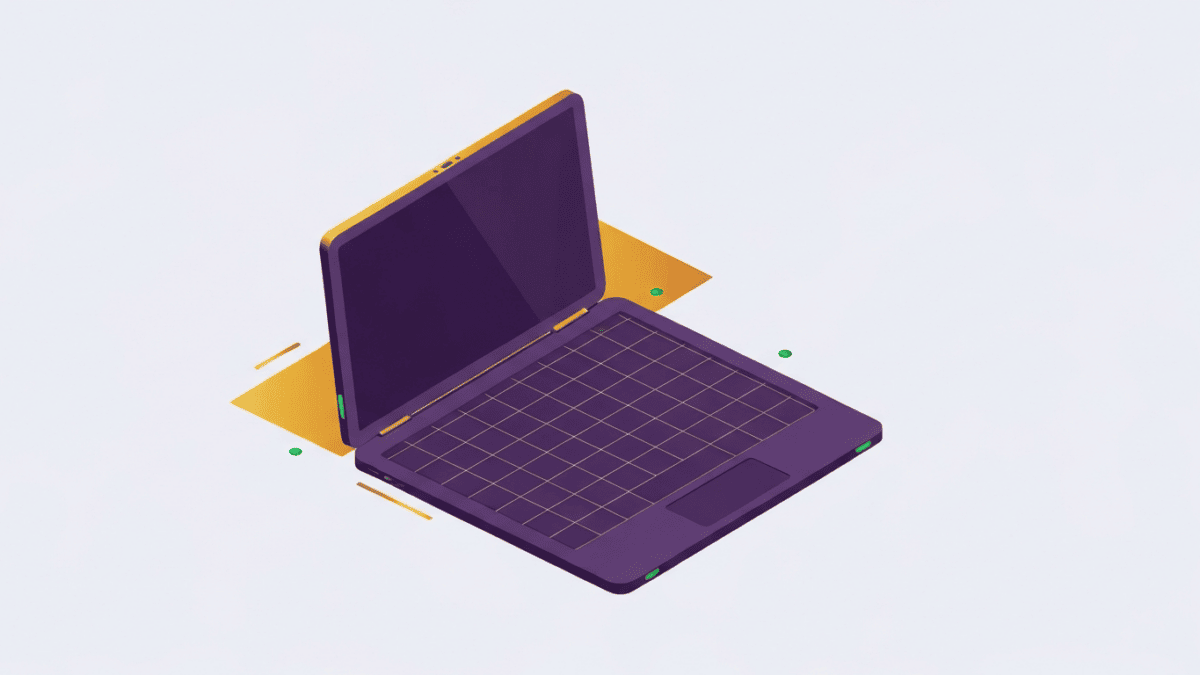
The MacBook Air has become the laptop most people picture when they think “good, thin, reliable computer,” and the M3 refresh does little to disturb that reputation. It keeps the wedge-free flat design introduced with the M2 generation, the same excellent Liquid Retina display, and the same fanless build, then drops in Apple’s M3 chip along with a couple of genuinely useful upgrades. This is not a reinvention. It is a steady, confident iteration of a formula that already worked, and that consistency is a large part of the appeal.
What makes the Air worth talking about in 2026 is not raw speed but the overall balance. It is silent, it lasts all day, it weighs almost nothing in a bag, and it runs a mature software ecosystem. Those qualities matter more to most buyers than benchmark charts. The catch, as always with Apple, is the base configuration and the way pricing climbs once you start adding memory and storage. Below we break down where this machine genuinely excels and where the compromises are real.
What it does well
The headline strength is that the Air is completely fanless. There is no cooling fan inside, so no matter how hard you push everyday tasks, it makes no noise at all. For writers, students and anyone working in a quiet room, this alone sets the Air apart from nearly every Windows ultraportable, which will eventually spin up under load. It also means there are no vents to collect dust and nothing mechanical to fail.
Battery life is the second pillar. Apple rates the M3 Air at up to 18 hours, and while your mileage varies with brightness and workload, all-day endurance is a defining trait of Apple silicon. You can genuinely leave the charger at home for a normal working day. The M3 chip itself is quick where it counts: single-core responsiveness, app launches, web browsing and light creative work all feel immediate, and the M3 adds hardware-accelerated ray tracing and a faster Neural Engine for on-device machine learning tasks.
The build and screen round out the case. The all-aluminium chassis is rigid and premium, the 13.6-inch and 15.3-inch Liquid Retina panels are bright and color-accurate, and the keyboard and large Force Touch trackpad remain among the best in the category. The M3 generation also reintroduced practical dual-external-display support and moved to faster Wi-Fi, both welcome for a machine people keep for years.
Where it falls short
The most important limitation is the entry configuration. The base Air ships with 8GB of unified memory and 256GB of storage. macOS manages memory well, so 8GB is workable for light use, but for a premium laptop it feels tight, and because the memory is soldered you cannot upgrade it later. Anyone who keeps many tabs open, edits photos, or runs virtual machines should budget for 16GB up front. The 256GB SSD fills quickly too, especially given that base-tier storage has historically tested slower than higher-capacity options.
Connectivity is the other pinch point. You get two Thunderbolt / USB 4 ports, a MagSafe 3 charging connector and a headphone jack, and that is it. Charge the laptop and connect one accessory and you are out of ports, so a hub becomes a near-necessity for anyone with peripherals. The dual-monitor support, while a real improvement, only works with the lid closed, which limits how useful it is for people who want three screens on their desk.
Finally, the display, excellent as it is, remains a 60Hz panel with no ProMotion, so scrolling and animation are not as fluid as on the MacBook Pro. Under long, heavy sustained loads, the fanless design will also throttle to manage heat. Neither is a dealbreaker for the Air’s target user, but both mark the line between this and the pricier Pro.
Pricing & value
The MacBook Air M3 is a one-time purchase, and it sits squarely in the premium ultraportable bracket. The 13-inch model typically opens at a lower price than the 15-inch, and both climb meaningfully as you add memory and storage. That pricing structure is where value judgments get sharp: the base machine can look reasonable on paper, but the configuration most people should actually buy, with 16GB of memory and 512GB of storage, costs noticeably more. Because you cannot upgrade later, paying for the right spec now is the smart move rather than a false economy. We would also note that discounted previous-generation M2 Airs often deliver excellent value for lighter users, so it is worth comparing. Always check current pricing and any education or trade-in offers before you commit, as these shift the equation considerably.
Who it’s for (and who should skip it)
The M3 Air is the right laptop for the large group of people who want a silent, ultraportable, long-lasting machine for browsing, writing, office work, coding, and light creative tasks inside the Apple ecosystem. If that is you, and you spec the memory sensibly, it is very easy to recommend and comfortable to live with for years.
You should skip it if you need sustained heavy performance, such as long video renders, demanding 3D work, or serious gaming; the actively cooled MacBook Pro or a dedicated Windows workstation will serve you far better. Skip it too if you rely on lots of wired peripherals and dislike dongles, or if a high-refresh display matters to you. And if you already own an M1 or M2 Air, the M3 is not a compelling upgrade on its own.
The verdict
The MacBook Air M3 does not try to dazzle, and that is precisely why it succeeds. It is quiet, light, long-lasting and pleasant to use, with a fast-enough chip and a mature platform behind it. The compromises are honest and predictable: a stingy base configuration, a slim port selection, and a 60Hz screen that stops short of Pro territory. Buy it with 16GB of memory, accept that you will occasionally reach for a hub, and you have one of the most well-rounded everyday laptops available. It remains the default thin-and-light for good reason, and the M3 keeps that default firmly in place.