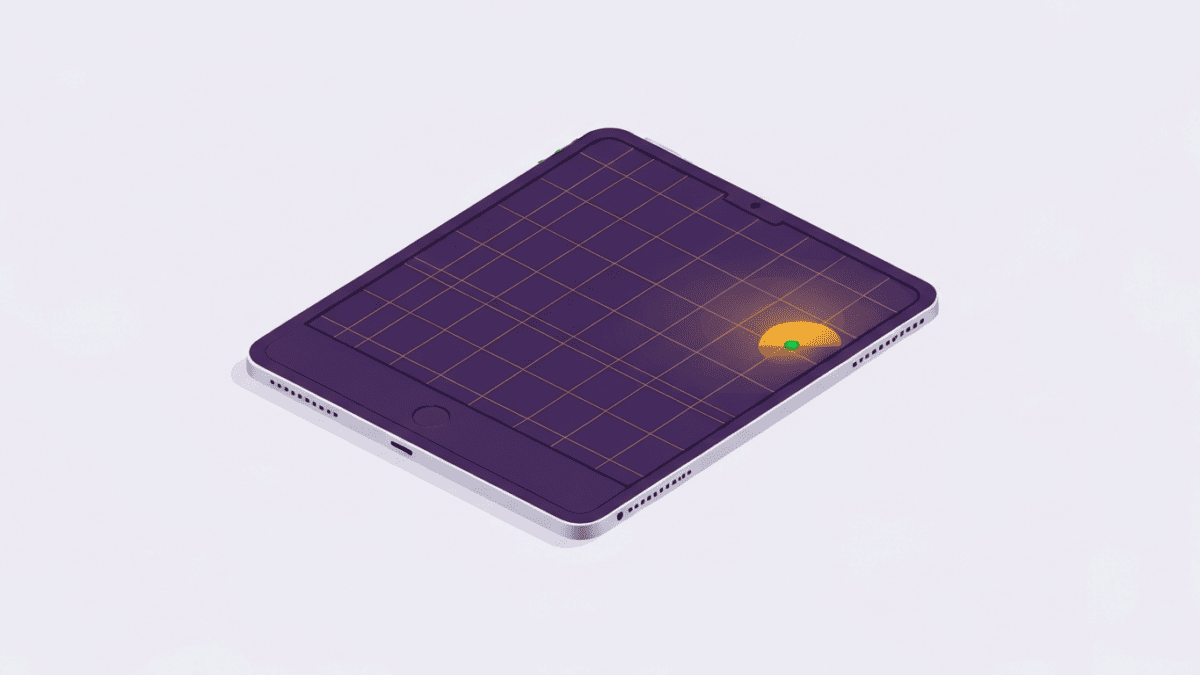
The iPad Air occupies the most interesting position in Apple’s tablet range: it sits below the iPad Pro but well above the entry iPad, and for most people it lands almost exactly where it should. Apple’s strategy with the Air has been to take the previous generation’s Pro design, drop in a current M-series chip, trim a few of the flashiest features, and sell it for meaningfully less. The result is a tablet that feels premium and fast, yet asks you to give up only the things a majority of buyers will never miss.
The most consequential change to the line in recent years is that the Air now comes in two sizes, an 11-inch model and a larger 13-inch one. That single addition transforms how you think about the Air, because the big version is no longer a compromise on canvas size; it is a genuine option for drawing, split-screen work and document markup. Paired with an M-series processor that outclasses anything the tablet software actually demands, the Air has quietly become the default recommendation for anyone who does not have a specific reason to spend Pro money. Below we break down where it shines and where the cuts are real.
What it does well
Performance is the headline. The Air runs an Apple M-series chip, the same family Apple puts in its laptops, which means browsing, note-taking, streaming, photo editing and most creative apps have far more headroom than they need. This matters less for raw speed today and more for longevity: a tablet this fast will stay capable for years, and it comfortably handles demanding apps like Procreate, LumaFusion and Affinity without stutter. Combined with Apple’s long software-support track record, the Air is a device you can reasonably expect to keep for a long time.
The display is the second strength. Both sizes use a laminated Liquid Retina IPS panel with wide P3 color, good brightness and excellent color accuracy. Lamination matters because it bonds the glass directly to the screen, so the image feels like it sits right at the surface, which is especially noticeable when writing with the Pencil. Apple also moved the front camera to the landscape edge, so when the tablet is docked in a keyboard or propped horizontally, you are centered and looking the right way on video calls. It is a small change that removes a long-standing annoyance.
Accessory support rounds out the case. The Air works with the Apple Pencil Pro, unlocking gestures like barrel roll and squeeze, and with the Magic Keyboard, which turns it into a credible laptop stand-in for writing and email. The ecosystem of iPad apps remains the best on any tablet platform by a wide margin, and features like Center Stage, Stage Manager for external displays and a mature Files app make it flexible for study and light work.
Where it falls short
The clearest compromise is the screen refresh rate. The Air’s display runs at 60Hz, so it lacks the 120Hz ProMotion smoothness of the iPad Pro. Scrolling, animation and Pencil latency are all a step behind the flagship, and once you have used ProMotion, 60Hz is noticeable. The Pro also reaches higher peak brightness and, in its current form, uses an OLED-based panel with deeper blacks and better HDR, none of which the Air matches. For most people this is an acceptable trade, but it is the single biggest reason to step up.
Cost creep is the other issue, and it is easy to underestimate. The tablet itself is reasonably priced for what it is, but the Apple Pencil Pro and the Magic Keyboard are both expensive and sold separately. Add either, let alone both, and the real-world price climbs toward Pro territory. Buyers should budget for the full kit they actually intend to use rather than just the headline tablet price.
There are smaller cuts too. The Air has a single rear camera rather than the Pro’s dual system, uses Touch ID in the top button instead of Face ID, and offers no expandable storage and no headphone jack. And while iPadOS has improved, it still stops short of true desktop-class multitasking, so power users who want to treat a tablet as a full laptop replacement will keep bumping into its limits. None of these are dealbreakers for the Air’s intended audience, but they define the line between it and the Pro.
Pricing & value
The iPad Air is a one-time purchase and sits in the upper-mid tablet bracket. The 11-inch model opens at a lower price than the 13-inch, and both rise as you add storage or cellular connectivity. The value calculation hinges on accessories: the bare tablet can look like strong value, but the Pencil and keyboard are pricey add-ons that materially change the total. If you only need the tablet, or already own a compatible Pencil, the Air is one of the best-value premium tablets available. If you need the full keyboard-and-Pencil setup, compare the loaded Air price against a discounted previous-generation iPad Pro, which can occasionally be competitive. Always check current pricing, storage tiers and any education or trade-in offers before buying, because those shift the math significantly.
Who it’s for (and who should skip it)
The iPad Air is the right tablet for the large group of people who want speed, versatility and a long support life without paying flagship prices. Students, note-takers, casual illustrators, streamers and anyone who wants a capable second screen or a light laptop alternative will be extremely well served, particularly if they pick the size that matches how they hold and use a tablet.
You should skip it if the 120Hz ProMotion display or an OLED-grade panel is important to you, if you need Face ID or the Pro’s extra cameras, or if you do heavy, sustained professional creative work where the Pro’s brighter, smoother screen earns its premium. Skip it too if you were hoping a tablet could fully replace a laptop for demanding multitasking, because iPadOS still imposes limits. And if you own a recent Air or a late-model iPad Pro, there is little reason to upgrade.
The verdict
The iPad Air succeeds because it understands its job. It delivers most of what made the iPad Pro desirable, an M-series chip, a laminated wide-color display, Pencil and keyboard support, and now a large-screen option, while trimming only the features a majority of buyers can happily live without. The compromises are honest: a 60Hz screen instead of ProMotion, a single rear camera, and accessories that push up the real cost. Accept those, choose your size sensibly, and the Air is the tablet most people should buy. It is the sweet spot in Apple’s lineup, and it earns that position convincingly.