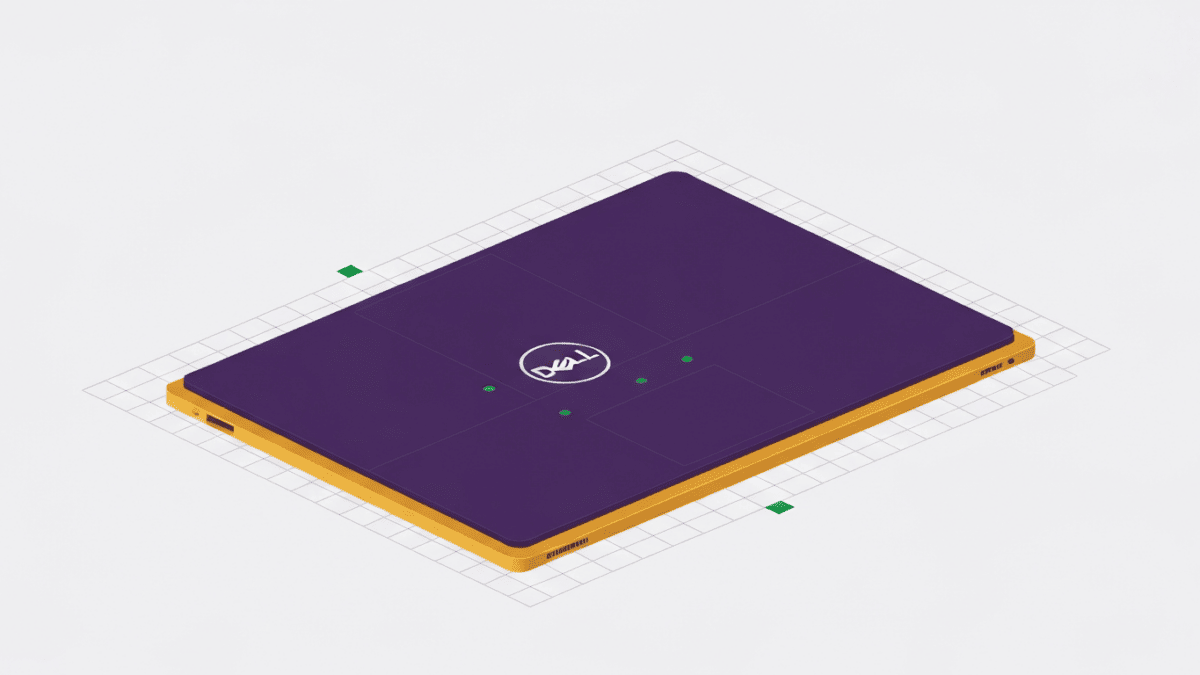
The Dell XPS 13 has long been the Windows laptop people point to when they want to argue that PCs can be as desirable as a MacBook, and the 9340 model doubles down on that ambition. It carries forward the striking, minimalist design language Dell introduced on the XPS 13 Plus: an edge-to-edge keyboard, a capacitive touch function row in place of physical keys, and a seamless glass palm rest with no visible touchpad borders. The result is one of the most futuristic-looking laptops you can buy, and also one of the most polarizing.
Underneath the drama, this is a serious ultraportable. It runs Intel’s Core Ultra (Meteor Lake) silicon with a dedicated neural processing unit, offers genuinely excellent display options, and squeezes it all into a chassis that is remarkably small and rigid. Whether it is the right laptop for you comes down almost entirely to how you feel about its interface choices, because everything else is highly competent. Here is where it shines and where those bold decisions bite.
What it does well
The industrial design is the star. The XPS 13 9340 is compact, dense and beautifully finished, with slim InfinityEdge bezels wrapping the display and a machined feel that reads as genuinely premium. It is one of the smaller 13-inch Windows laptops around, and it looks and feels like a flagship in the hand. If you value a machine that turns heads on a cafe table, few rivals match it.
The displays are a highlight regardless of which you pick. The FHD+ panel runs at a fast 120Hz and a bright 500 nits, making it the efficiency-minded sweet spot; the QHD+ option adds sharpness; and the 3K OLED delivers rich, saturated color and inky blacks for those who prioritize picture quality. All use anti-reflective treatments and the near-borderless InfinityEdge look. Performance is strong too: the Intel Core Ultra chips handle everyday productivity, browsing and light creative work with ease, add an NPU for on-device AI features, and pair with modern Wi-Fi 7 and fast Gen4 storage.
Two details often overlooked also deserve praise. Despite the ultra-modern layout, the keyboard itself has large, comfortable keycaps with satisfying travel, and the quad-speaker audio system sounds noticeably fuller and louder than most laptops of this footprint. When the XPS 13 gets the fundamentals right, it gets them very right.
Where it falls short
The signature design choices are also the biggest liabilities. The capacitive touch function row replaces physical F1 to F12 keys with a flat backlit strip. It looks clean, but it offers no tactile feedback, so you cannot find a key by feel, and adjusting volume or brightness becomes a look-down-and-tap affair. Similarly, the seamless touchpad blends invisibly into the palm rest with no physical borders; most people adapt, but there is a learning curve and no edge to orient by. These are not flaws so much as acquired tastes, and plenty of buyers never warm to them.
Connectivity is where the compromises are objective rather than subjective. The XPS 13 9340 has just two Thunderbolt 4 USB-C ports, one on each side, and nothing else. There is no USB-A, and, more contentiously, no 3.5mm headphone jack at all. Charging occupies one port, which frequently leaves a single port free, so a hub or dongle is effectively required for anyone with wired headphones or accessories. For a laptop at this price, that austerity stings.
Endurance is merely fine. The 55Wh battery is on the smaller side for the class, and while Dell rates strong figures with the efficient FHD+ screen, the OLED configuration and demanding workloads pull real-world runtime down. Buyers cross-shopping for all-day battery should weigh that against ultraportables with larger cells.
Pricing & value
The XPS 13 9340 is a one-time purchase positioned in the premium ultraportable segment. It typically opens around mainstream-premium pricing with the FHD+ panel and base memory, then climbs significantly once you add the OLED display, more memory, or larger storage. Because memory is soldered, you should choose your configuration deliberately at purchase rather than planning to upgrade later. Value here is genuinely conditional: if the design and compact footprint speak to you, the money buys a distinctive, well-built machine you will enjoy. If the interface quirks and missing ports leave you cold, you can find rivals with more conventional layouts and richer connectivity for similar or lower prices. Discounts appear regularly on Dell’s own channels, so check current pricing and any active configuration deals before committing.
Who it’s for (and who should skip it)
This laptop suits buyers who prize a small, premium, head-turning design and who work largely wirelessly with Bluetooth peripherals. If you are comfortable adapting to a capacitive function row and a borderless touchpad, and you want a gorgeous display in a tiny chassis, the XPS 13 rewards you with something that feels special every day.
Skip it if you rely on wired headphones, USB-A devices, or lots of simultaneous peripherals without a dock, because the two-port layout will frustrate you. Skip it too if you want maximum battery life, or if tactile function keys and a clearly defined touchpad are non-negotiable for how you work. There are more practical, if less glamorous, ultraportables for those needs.
The verdict
The Dell XPS 13 9340 is a beautiful, capable, and unapologetically bold ultraportable that asks you to meet it halfway. Its build quality, display options and compact form are genuinely excellent, and its Core Ultra performance is more than enough for everyday work. But the capacitive function row, borderless touchpad and stripped-back I/O are real trade-offs that no amount of polish fully offsets. If those choices excite you, this is one of the most desirable Windows laptops you can own. If they worry you, they probably should, and a more conventional design will make you happier. It is a machine best bought with your eyes fully open.